Can the Anker Nano 30W Power a Laptop Through the Anker 332 Hub?
Short answer: Do not buy this pair expecting full-speed laptop charging. The Nano A2147 supplies at most 30W; the Anker 332 A8355 passes power through rather than increasing it. Whether a particular laptop charges at all—and whether its battery rises during use—depends on that laptop’s requirements. We have not tested the combination.

As an Amazon Associate I earn from qualifying purchases. This research-based guide contains affiliate links. Research date: October 27, 2026. No hands-on testing or charging-speed measurements were performed.
Why the hub’s 85W label does not solve a 30W limit
A hub’s pass-through rating describes a ceiling, not a built-in power supply. Think of the wall adapter as the source and the hub as an additional device in the path. Connecting a small adapter to a hub advertised for higher power cannot create that extra power. This is an inference from the published ratings, not a measurement of this pair.
Anker specifies up to 100W PD input and up to 85W laptop output for the 332. It does not give a verified laptop-output figure for a 30W input on the product page we checked. Do not subtract those headline numbers and claim this setup delivers exactly 15W; that would assume a power-allocation behavior we have not established.
The exact models and verified numbers
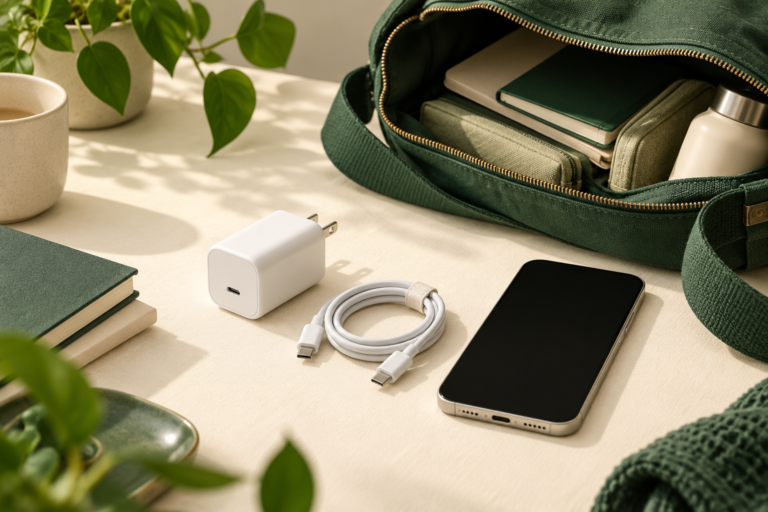
For Nano A2147, Anker lists one USB-C port, 30W maximum output and dimensions of 1.12 × 1.12 × 1.39 inches. Its fixed output profiles are 5V/3A, 9V/3A, 15V/2A and 20V/1.5A. The 20V option alone does not establish compatibility with your laptop.
For 332 hub A8355, Anker identifies a PD input port separately from its USB-C data port. Use the port marked for PD input when connecting a charger. These specifications were checked on the US manufacturer pages on October 27, 2026; similarly named models may differ.
Direct charging versus charging through the hub
If your laptop supports USB-C charging from a 30W supply, a direct connection removes the hub from the power path. It also leaves you without the hub’s accessories on that same laptop port. This can be useful when topping up with the laptop asleep, provided its manufacturer allows the adapter rating.
Through the hub, you gain accessory connections but introduce another power requirement. A laptop may show a charging symbol yet lose battery during a demanding task. That symbol alone does not prove the adapter can sustain your workload. We cannot promise either outcome for an untested laptop.
Three buying checks that matter more than the connector
First, look up the exact laptop model in its manufacturer’s charging documentation. Confirm that the chosen USB-C port accepts power and check the recommended adapter wattage. If the documentation requires more than 30W, choose accordingly rather than treating the Nano as an equivalent replacement.
Second, check the cable’s power rating and connector type. A USB-A cable cannot plug into this charger’s USB-C socket. If you choose a higher-powered adapter for the hub, confirm that the cable supports that intended power too; the adapter’s label is only one part of the chain.
Third, confirm the US plug version, A2147 model number, seller, return terms and package contents in the selected Amazon offer. A charger-only offer may require a separate cable. Compare the complete cost without assuming today’s price or availability.
When this small charger still makes sense
Its practical advantage is a compact single-device charging kit. Its limitations here are the 30W ceiling and one port: it cannot separately charge your phone while also feeding the hub. For a laptop desk, start with the laptop’s approved power requirement, then choose a suitable adapter and cable for the hub. Keep the Nano for a compatible lower-power device if that is where it fits.
Check the Anker Nano A2147 offer on Amazon
For the wider decisions, read our Nano 30W buying guide and 332 monitor compatibility guide, or browse Tech & Gadgets.